
Find the right laptop privacy filter with PALO’s Find Your Filter page. Explore compatible screen privacy solutions for your device and workplace.
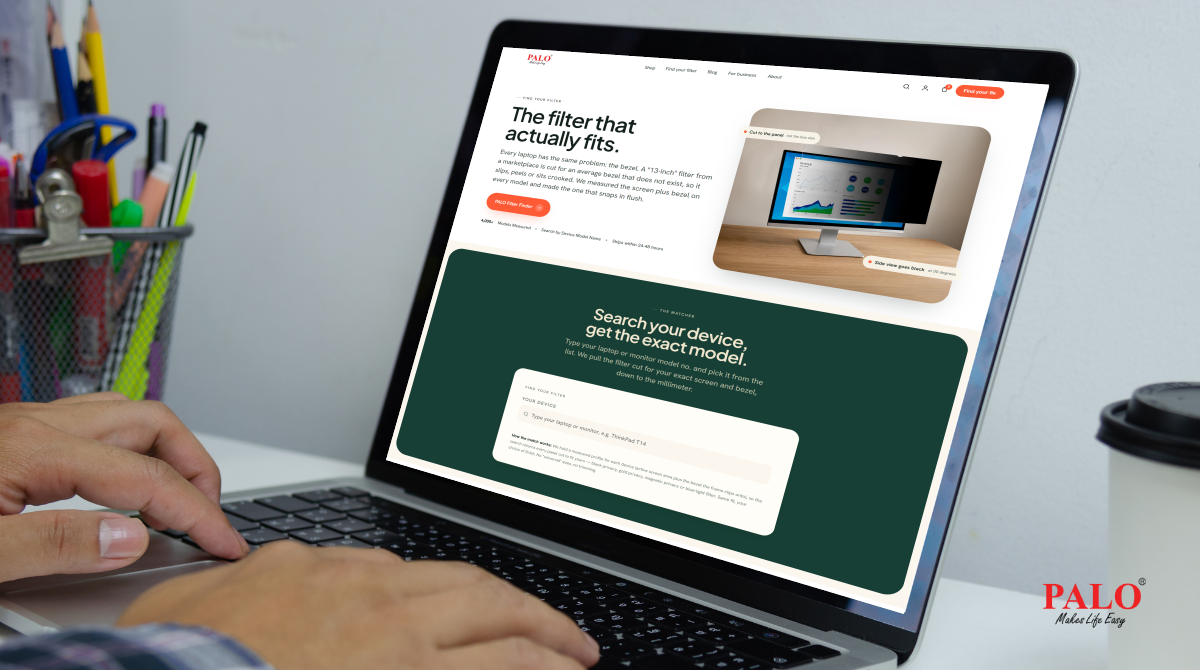
Finding the right privacy filter for your laptop shouldn’t be complicated. With different laptop brands, screen sizes, models, and display specifications, choosing a compatible screen privacy solution can take time. The right fit matters—not just for effective screen privacy, but also for a seamless user experience.
At PALO, we believe finding the right ergonomic and screen protection solutions should be simple. That’s why our new website features Find Your Filter, a dedicated page designed to help you identify a compatible privacy filter for your laptop more easily.
A laptop privacy filter helps protect the information displayed on your screen from unwanted side viewing. It is particularly useful for professionals working in offices, shared workspaces, public places, and while travelling.
However, not every privacy filter fits every laptop. Differences in screen dimensions, aspect ratios, display designs, and device models can affect compatibility. Choosing the wrong size may result in an improper fit or an unsatisfactory experience.
Whether you use a laptop for confidential business discussions, financial information, customer data, or everyday office work, selecting a compatible privacy screen is an important step towards better visual privacy.
Searching through multiple products to find a compatible laptop privacy filter can be time-consuming. PALO’s Find Your Filter page makes this process easier by helping you identify screen privacy solutions suited to your device.
Instead of browsing through multiple product listings, you can use the dedicated page to narrow down your options and find a suitable solution for your laptop.
Whether you use a laptop for work, business travel, or everyday professional tasks, Find Your Filter helps simplify the search for a compatible screen privacy filter.
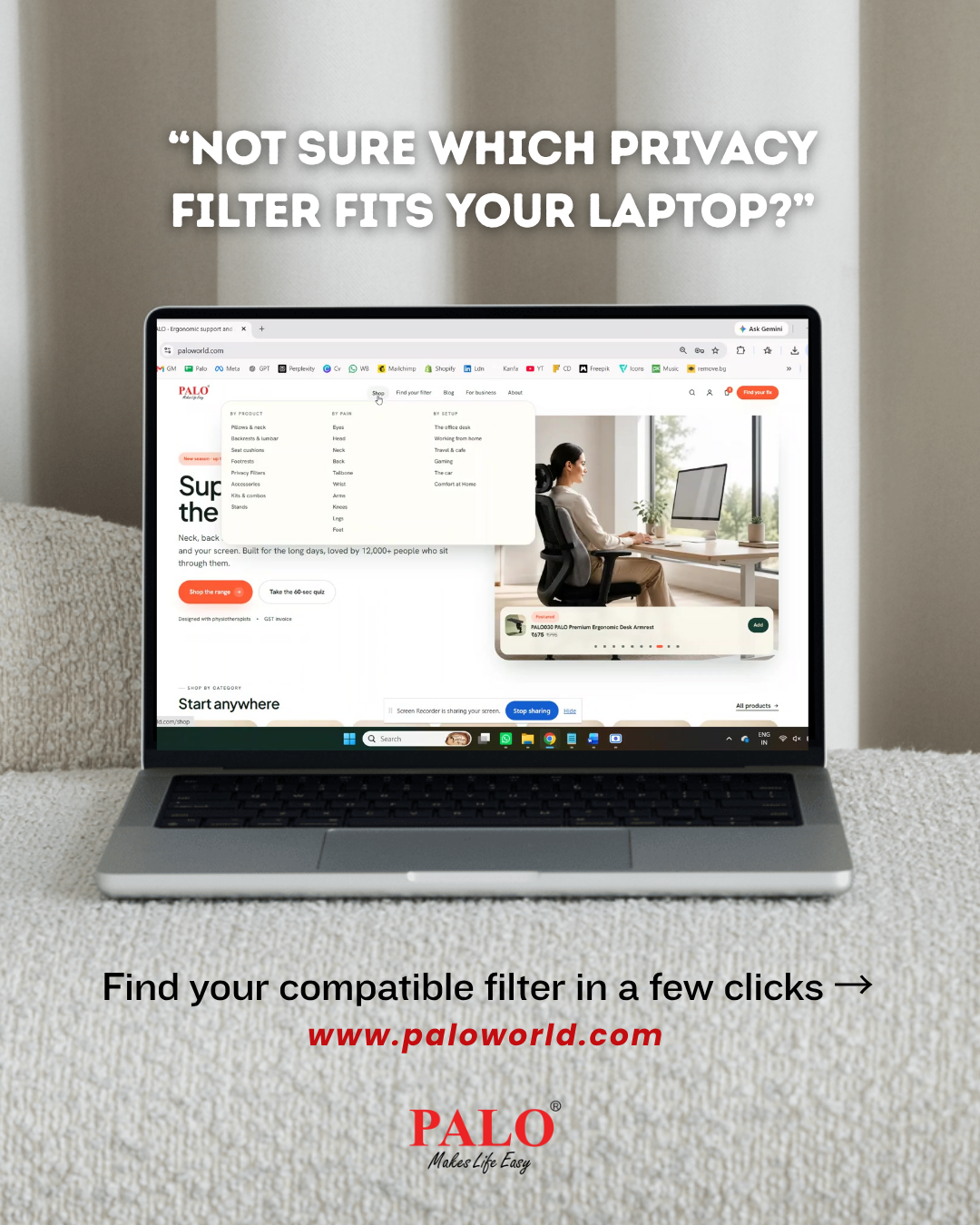
Finding a compatible laptop privacy filter is simple with PALO. Follow these four steps to find the right screen solution for your device.
Step 1: Enter Your Laptop Details Select your laptop brand and model to get started.
Step 2: Explore Compatible Filters View the privacy filters, gold privacy filters, magnetic privacy filters, and blue light filters compatible with your laptop. Only suitable options in the size that fits your screen will be displayed.
Step 3: Request a Filter if No Match Is Found Can't find your laptop or a compatible filter? Use the request form below. Our team will measure your device within 48 hours to help you find a suitable solution.
Step 4: Choose and Shop Select a filter to view its product details and make your purchase. You can also add it to your cart and continue exploring other screen privacy solutions and ergonomic products from PALO.
PALO privacy filters are designed to help limit side viewing, making on-screen information less visible to people looking from an angle. Depending on the model, features may include anti-glare and scratch-resistant properties, along with additional screen protection benefits.
These solutions can be useful for professionals handling confidential information, organisations managing employee devices, and businesses looking to improve screen privacy across their teams.
The key is to choose a filter that matches your device and meets your workplace requirements.
For businesses, choosing compatible privacy filters across multiple laptop models can be challenging. IT teams, procurement departments, and administration teams may need to source solutions for employees using different devices.
PALO supports corporate and bulk requirements for laptop and monitor privacy filters. Our team can help businesses explore suitable options for their device requirements.
Whether you are equipping a small team or sourcing privacy solutions for a larger organisation, you can connect with PALO to discuss your requirements.
**For corporate and bulk enquiries: Phone: +91 99675 02296 Email: info@palworld.com
Finding the right privacy filter is just one part of creating a more comfortable and functional workspace. The new PALO website brings together solutions for screen privacy, ergonomics, and business requirements in one convenient place.
You can explore:
Our goal is to make finding the right solution simpler, whether you are an individual looking for a laptop privacy filter or a business sourcing products for your team.
Choosing a laptop privacy filter doesn't have to involve endless searching. With PALO’s Find Your Filter page, you have a dedicated starting point for exploring screen privacy solutions compatible with your device.
Visit the new PALO website to discover products that fit your needs and connect with us for individual or corporate requirements. Explore PALO today: https://www.paloworld.com/
PALO – Makes Life Easy.